
by Richard Jones | Feb 3, 2025 | Business, Business Continuity, Cloud, Cybersecurity, IT Management, Microsoft, New Technology, Productivity
Still holding on to Windows 10 in your business? It’s time to start thinking about making the move to Windows 11.
Three years after its release, Windows 11 is making major headway, with its market share reaching 35.55% in October 2024. While Windows 10 still holds around 60.97% of the market, change is on the horizon – and there are some compelling reasons to consider the switch.
First, let’s talk about the big news: From 14th October, Windows 10 will no longer receive free support from Microsoft. Although this doesn’t mean Windows 10 will stop working, it will stop getting important updates, such as up-to-date protection against malicious software and cyber threats.
Microsoft will be offering extended security support for Windows 10 for an extra year, but this will cost businesses $30 (around £23) per device and could get expensive. And this is only a temporary solution.
So, why has interest in Windows 11 spiked recently?
For one, the PC market has picked up. This is partly because of the rise of “AI PCs”, which use hardware that is more capable of handling AI-based tasks. People want to make sure their devices are compatible with the latest software, including Windows 11. There’s also buzz around the rollout of “Windows Intelligence” – a possible rebrand of some Windows 11 AI features.
Upgrading to Windows 11 isn’t just about keeping up with the latest tech, though. Another reason people are moving to Windows 11 is that it offers a more streamlined and user-friendly experience. New features include customisable widgets and an improved File Explorer, helping you to get things done faster.
Another major benefit to businesses is that Windows 11 brings improved security, offering better protection against cyber threats like:
- Ransomware, where you get locked out of your files and held to ransom for its (possible) return
- Phishing attacks, where you get tricked into revealing sensitive information through things like fake emails
If you want to stick with Windows 10, Microsoft’s one-year extension could offer you a bit more time. But if you want our advice? You’d only be delaying the inevitable, while missing out on the benefits of upgrading.
We can help make the switch stress-free. Get in touch.
by Richard Jones | Jan 20, 2025 | Business, IT Management, Microsoft, New Technology, Productivity
Wouldn’t it be great if your Windows 11 computer could handle tasks just like a real-life assistant?
That’s exactly what Microsoft wants to achieve with Windows Agent Arena, its new AI project.
The goal is to create smart virtual assistants, known as AI agents. They will be able to complete tasks on your computer. They could save time by doing repetitive tasks for you, such as managing apps or organising files.
So, what exactly is an AI agent? And how could it help your business?
An AI agent is a type of artificial intelligence designed to interact with your computer. Instead of only giving you information, AI agents can perform actions for you.
For example, you could train an AI agent to run your morning routine. It would open your calendar, launch your email app, and check the news. When you begin your day, the agent would know what info to share with you, like a virtual assistant.
Imagine having AI agents that update your software, or even edit documents for you. They could enable privacy options in Microsoft Edge, install extensions or update settings. This saves you time and hassle, so you can focus on bigger things.
The project is open source. That means developers around the world can contribute to help these tools evolve. Although they’re still in development, the potential for businesses is exciting.
For now, one of the best ways to see how helpful AI can be for your business is to give Copilot a try. Need help getting started? Get in touch.

by Richard Jones | Jan 13, 2025 | Cloud, IT Management, Microsoft, New Technology
Do you dream of never having to remember another password ever again?
That’s what Windows Hello, Microsoft’s biometric sign-in tool is all about. It helps you log in to your Windows 11 devices quickly and securely – with just a glance or a touch.
Now, Windows Hello is getting a makeover, bringing not only a new look but also enhanced security features that are perfect for busy business owners.
If you’re not familiar with Windows Hello, it lets you skip traditional passwords and sign in using:
- Facial recognition
- Your fingerprint
- Or a simple PIN
This means faster access, better security, and a lot less frustration.
Windows Hello is invaluable for businesses, allowing employees to securely access their apps and devices without the risks associated with weak or reused passwords.
The refresh will improve the design of Windows Hello, so it fits right in with the sleek, modern look of Windows 11. The whole experience will feel smoother and easier, whether you’re logging in to your computer or accessing the Microsoft Store.
Microsoft have also made it easier to use passkeys – another secure, password-free login method. With Windows Hello’s new passkey experience, you can choose your preferred sign-in method and switch effortlessly between devices.
These updates are currently in testing, but we should see a rollout soon.
Want to give Windows Hello a go? We can help, get in touch.
by Richard Jones | Jan 6, 2025 | Cloud, IT Management, Microsoft, New Technology, Productivity, Working from Home
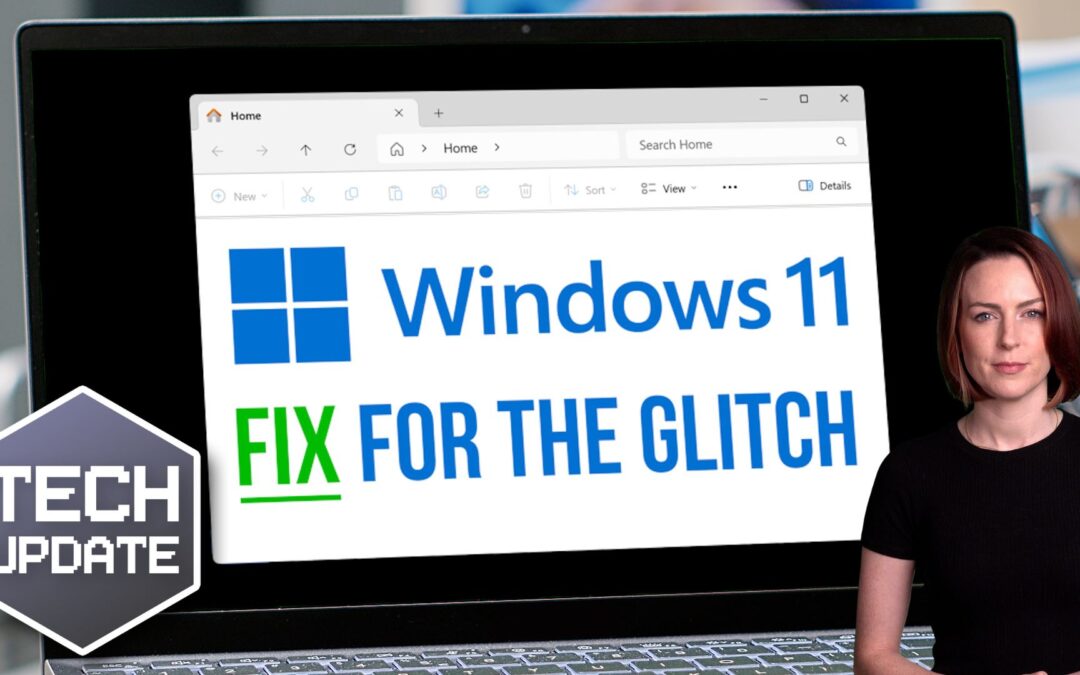
If you’ve installed version 24H2 of Windows 11 for your business, you might have noticed an annoying glitch in File Explorer.
File Explorer is that familiar window you use to browse your files and folders. Normally, it’s straightforward – but some people are running into issues with the “See more” menu after downloading this update.
The menu, which is marked by three little dots, usually pops up below your mouse cursor, giving you options like “Select All” or “View Properties”.
But thanks to a recent bug, the “See more” menu is flying up to the top of the screen, often disappearing out of sight. And if you’re using File Explorer in full-screen mode, some menu options might not even be visible.
Frustrating, to say the least.
Luckily, there’s a simple workaround: Just make sure you’re running File Explorer in windowed mode where it shares the screen with other applications. To do this, click the square icon in the top-right corner (next to the “X” you’d click to close it).
You can then resize the File Explorer window, allowing you to use the “See more” menu, even if it’s still misbehaving.
The good news is that Microsoft are aware of the problem. They’re working on a fix.
Little glitches like this can be a nuisance when you and your team are trying to get things done.
Can we help you squeeze more productivity out of your applications? Get in touch.

by Richard Jones | Dec 30, 2024 | Business, Business Continuity, Cybersecurity, IT Management, Mobile
If you get a call claiming to be from Microsoft Teams support, think twice before doing what they ask.
There’s a new trend for scammers to pose as “help desk” staff, with the aim of tricking employees into letting them take over their devices.
This is part of a larger ransomware attack, where you’ll be denied access to your business data unless you make a hefty payment to get it back.
Recently, a notorious cyber crime group has taken this scam to a new level.
First, they’ll flood an employee’s inbox with so much spam that it becomes unusable. Then they swoop in with a phone call, pretending to be from IT support, offering to “fix” the problem.
They may ask your employee to install remote desktop software like AnyDesk or use built-in tools like Windows Quick Assist. Once they have access, they can move around your network, collect sensitive data, and launch ransomware on your devices.
Be warned – they don’t only reach out over the phone. They’ve also started setting up Teams accounts to make employees think they’re part of IT support.
They do this by choosing usernames like “Help Desk” and using fake Microsoft tenant domains such as “securityadminhelper.onmicrosoft .com”. Then they send one-to-one messages to employees, saying they need access to their device.
Ransomware attacks are serious business. Along with locking you out of your data, they can also shut down your operations, disrupt customer service, and potentially leak confidential information.
Recovering from a ransomware attack can be expensive, both in terms of paying the ransom and dealing with the aftermath. It can cause loss of revenue, damage your reputation, and it could even have legal consequences.
Make your team aware of this scam and encourage everyone to be cautious with any unsolicited support calls or Teams chats. And make sure everyone knows to check with your actual IT department first, if someone is asking to install software or gain access.
Also, if you use Microsoft Teams in your business, make sure it’s set up securely. Only allow external chats from trusted domains, and make sure chat logging is enabled.
If you want extra help safeguarding your setup, we can do that. Get in touch.
by Richard Jones | Dec 23, 2024 | Business, Business Continuity, Cybersecurity, IT Management
Email has become an essential tool for any successful business, but as the saying goes, “with great power comes great responsibility”.
As a business owner, it’s your responsibility to make sure your emails are secure. It’s one of the key ways to stop your business data falling into the wrong hands.
Business Email Compromise (or BEC) is a growing threat. And if you become a target, it could cost you – big time.
So, what exactly is a BEC attack?
In simple terms, it’s where scammers pose as people high up in the business, like CEOs, executives, and IT staff. The goal is to trick your employees into sharing sensitive information or sending money. Research shows that nearly 90% of BEC attacks are set up this way.
It’s easy to see how someone might quickly respond without a second thought, especially when they trust the sender.
BEC attacks have spiked dramatically this year, especially over the third quarter. Researchers have analysed 1.8 billion emails worldwide, discovering a shocking 208 million malicious emails among them. And of these malicious emails, more than half (58%) were BEC attempts.
The figures make it clear: BEC scams are now the biggest email threat to businesses.
Another thing worth noting? Most BEC scams target employees lower in the business, who might be less likely to question authority or be less aware of cyber threats.
Although BEC attacks are common, it’s also important to remember that scammers still use other methods too. This includes commercial spam and phishing attacks, which are designed to trick people into sharing personal information, like login details.
In fact, the combined effect of these types of scams now overshadows traditional ransomware and malware attacks.
Luckily, it isn’t complicated or expensive to protect your business.
Simply make sure that all members of your team are trained to think twice about every email they receive.
If an email asks for sensitive information or a financial transaction – especially if it feels urgent – your employees should know to stop and check with someone before they action anything.
If you need help making sure your business is secure, get in touch.


